Flayr FX Social Comps
£12.00 Includes VAT
Every standard social media size as an After Effects comp, with the platform’s safe area marked, at your frame rate and length, in its own folder. One click.
- Instant download from your account
- VAT receipt by email
- Secure card payment by Stripe
- One-person licence, Flayr Software Licence
- Software
- Adobe After Effects 2022 or later
- Systems
- macOS and Windows
- Type
- Dockable ScriptUI panel
- Format
- .jsx script with installer
- Updates
- free, from your account
About Flayr FX Social Comps
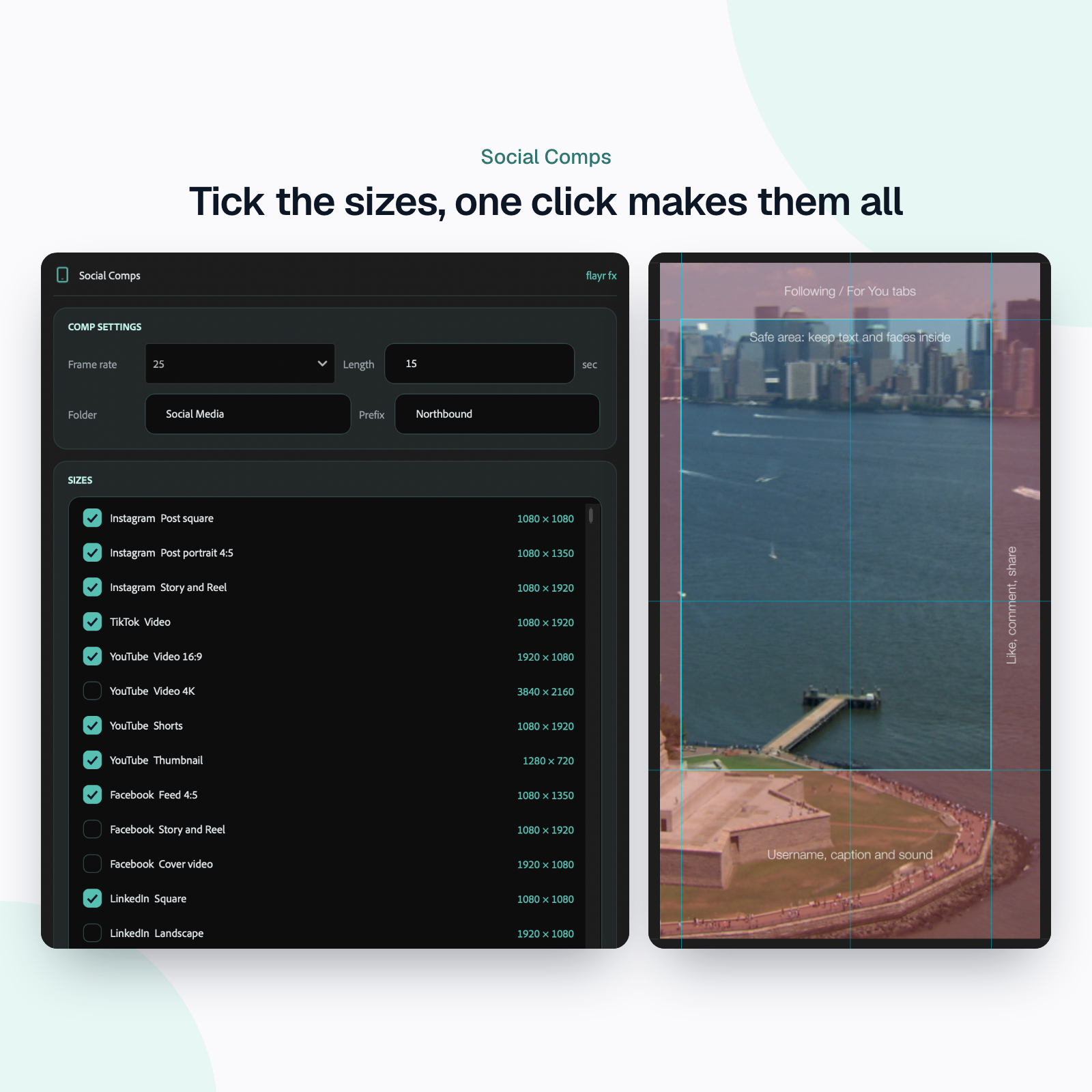
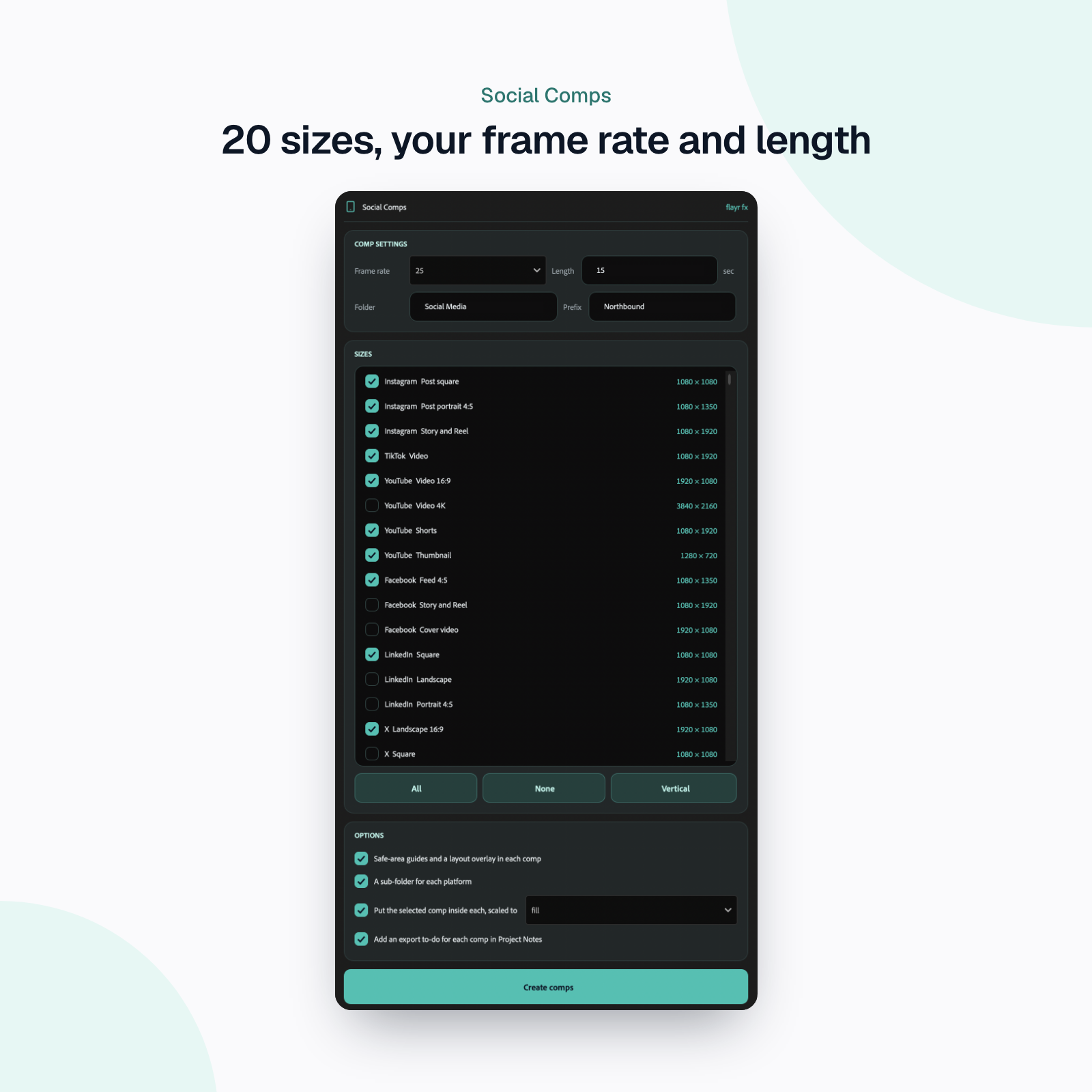
Starting a campaign means the same twenty minutes of Composition Settings every time. Flayr FX Social Comps makes them all at once: tick the sizes, pick a frame rate, press Create comps.
What it does
- 20 up-to-date sizes for Instagram, TikTok, YouTube (including Shorts, 4K and thumbnails), Facebook, LinkedIn, X, Pinterest, Snapchat and Threads.
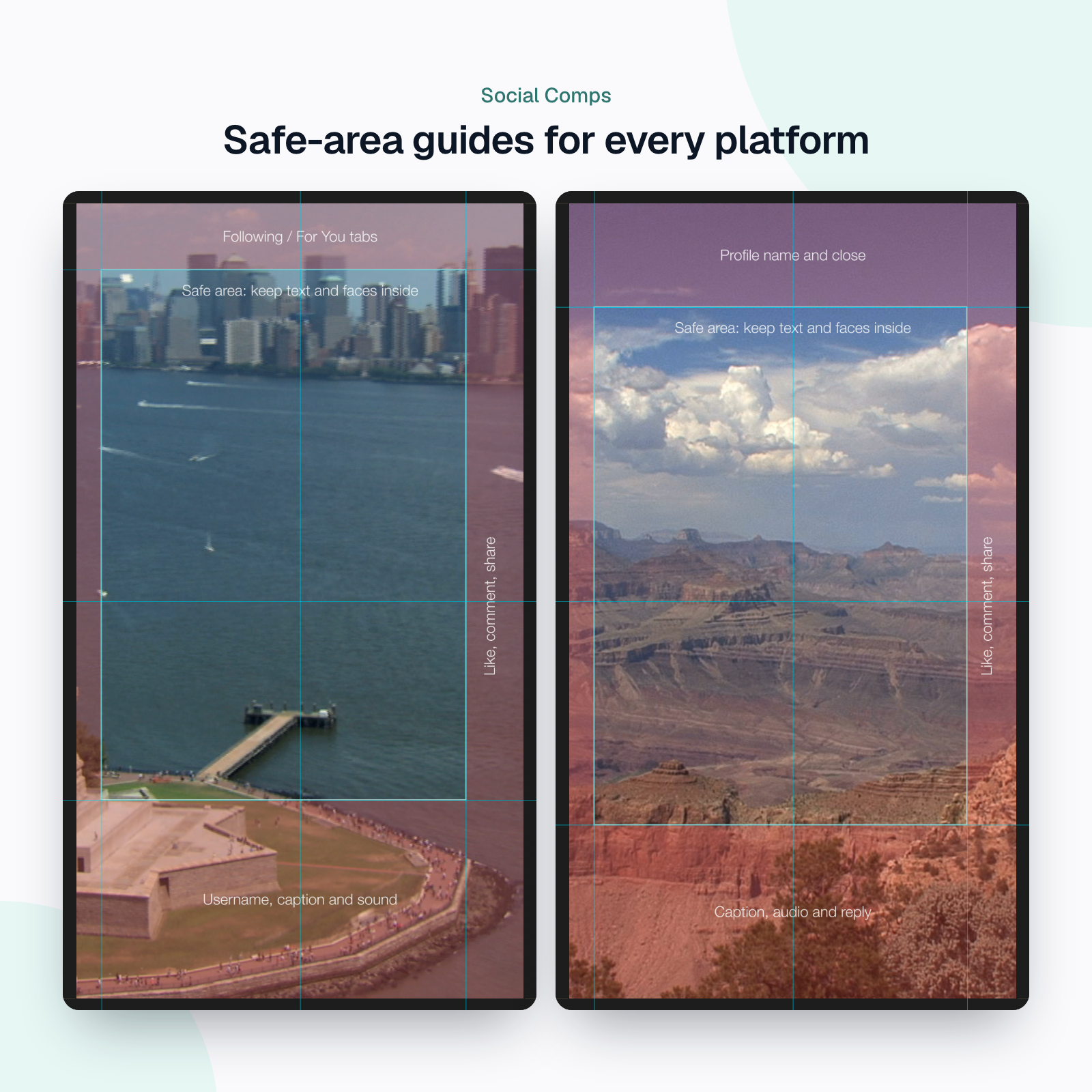
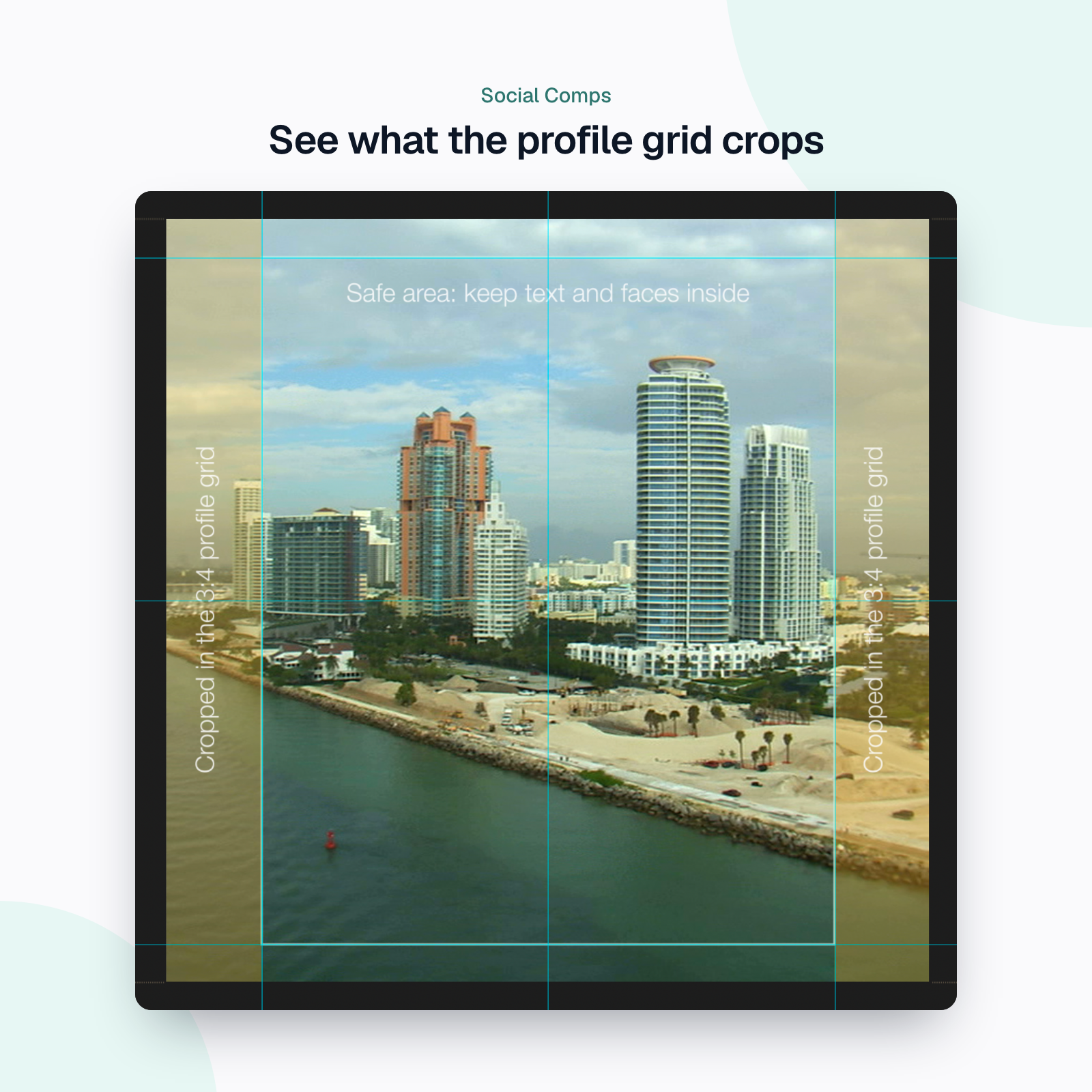
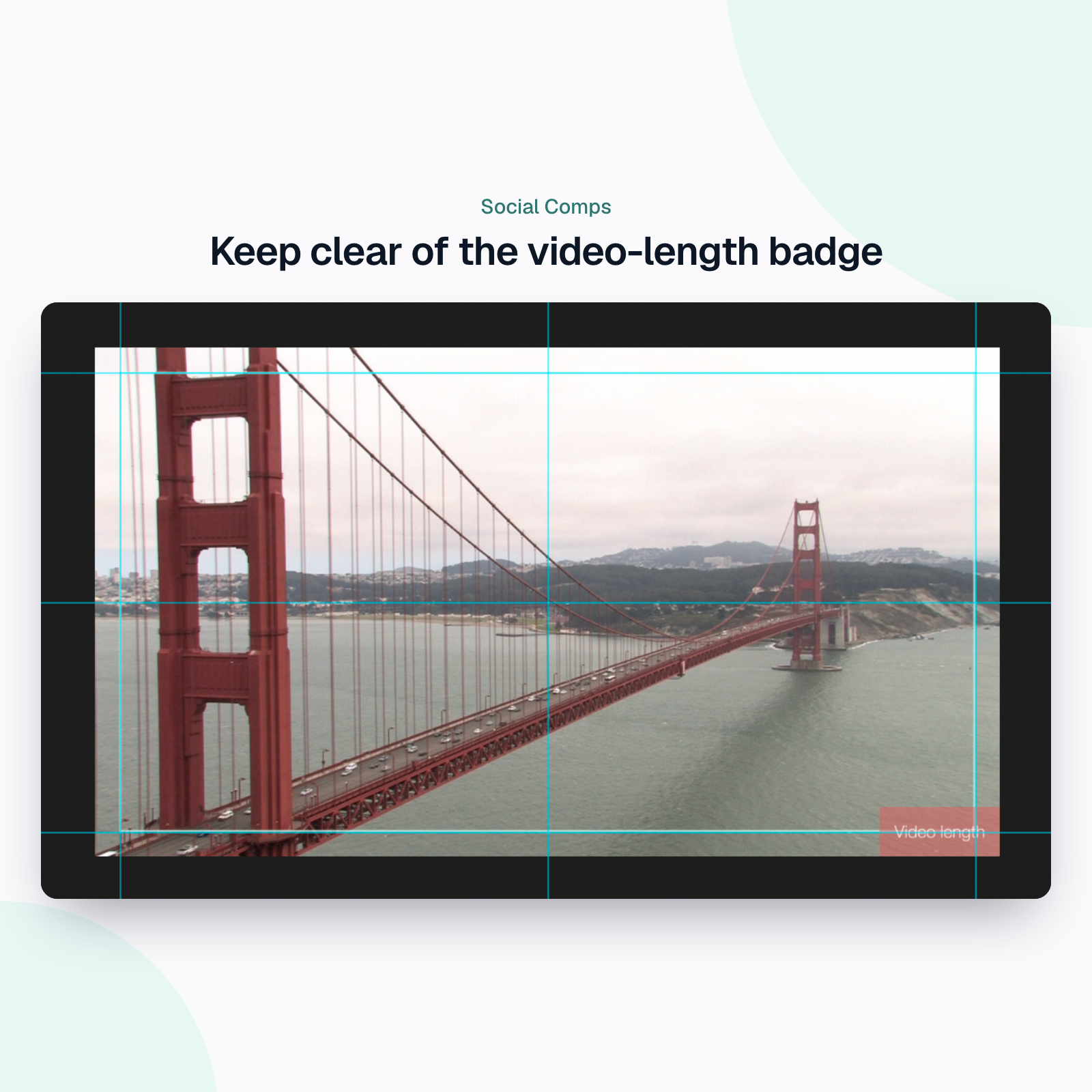
- Safe areas marked (on by default): every new comp gets guides on the platform’s safe area and the centre lines, plus a layout overlay on a guide layer (it never renders) that shades and labels where the app’s interface sits. Instagram and Facebook Reels and Stories: the profile name at the top, the caption and reply at the bottom, and like, comment and share (reactions on Facebook) on the right. TikTok: the Following / For You tabs, the username, caption and sound, and the buttons. YouTube Shorts, Pinterest video pins and Snapchat Spotlight too, the 3:4 profile-grid crop on Instagram square and 4:5 posts, and the video-length badge on YouTube thumbnails. Other sizes get a 5% action-safe area.
- Your frame rate and length: 23.976 to 60 fps.
- Tidy: everything goes in one folder, with an optional sub-folder per platform and a name prefix for the campaign.
- Bring your edit: select a master comp and it is placed inside every new comp, scaled to fill or fit.
- Remembers your choices for next time, with All, None and Vertical buttons to tick sizes fast.
- A clearer panel: the new Flayr FX look, with the sizes, settings and options in cards and a big Create comps button.
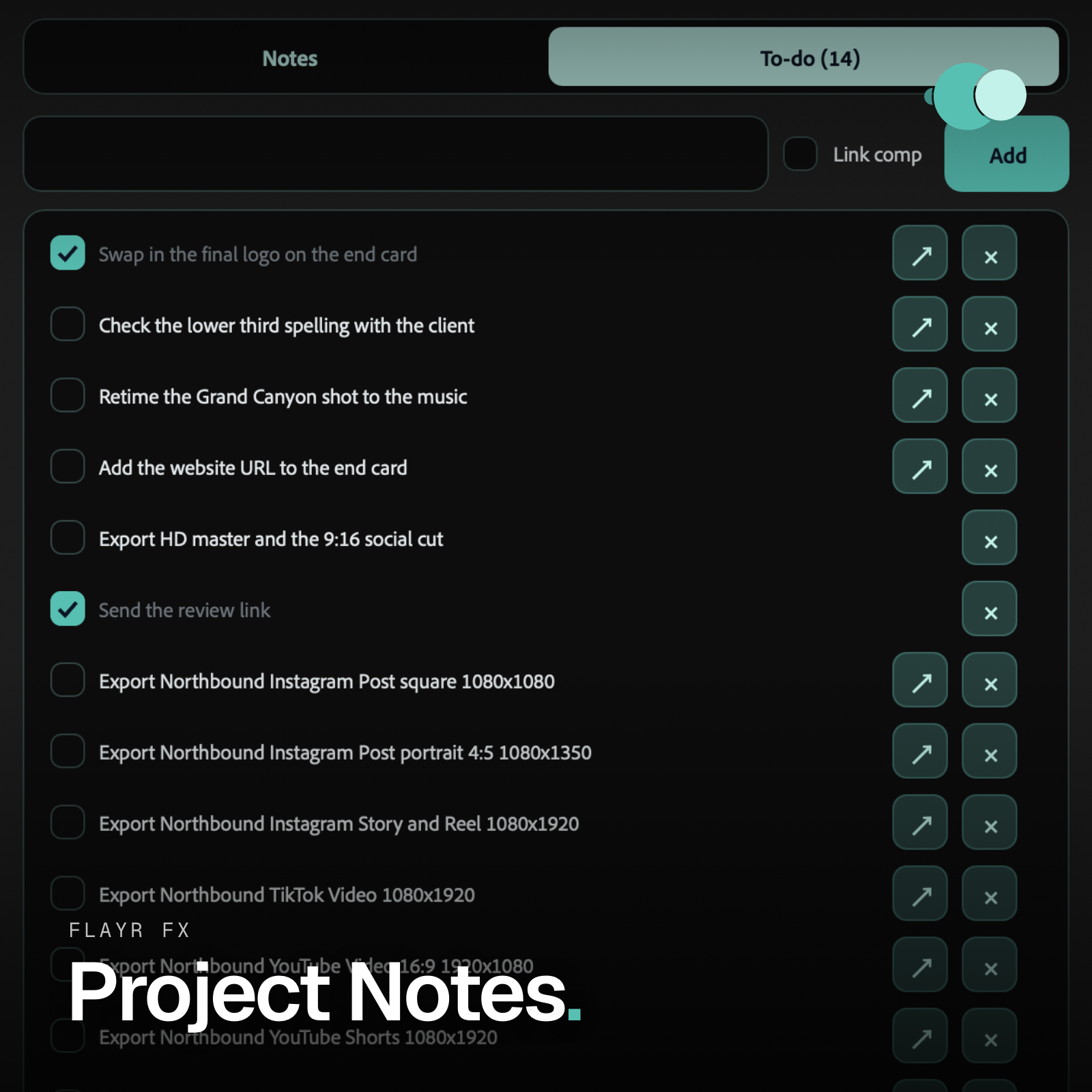
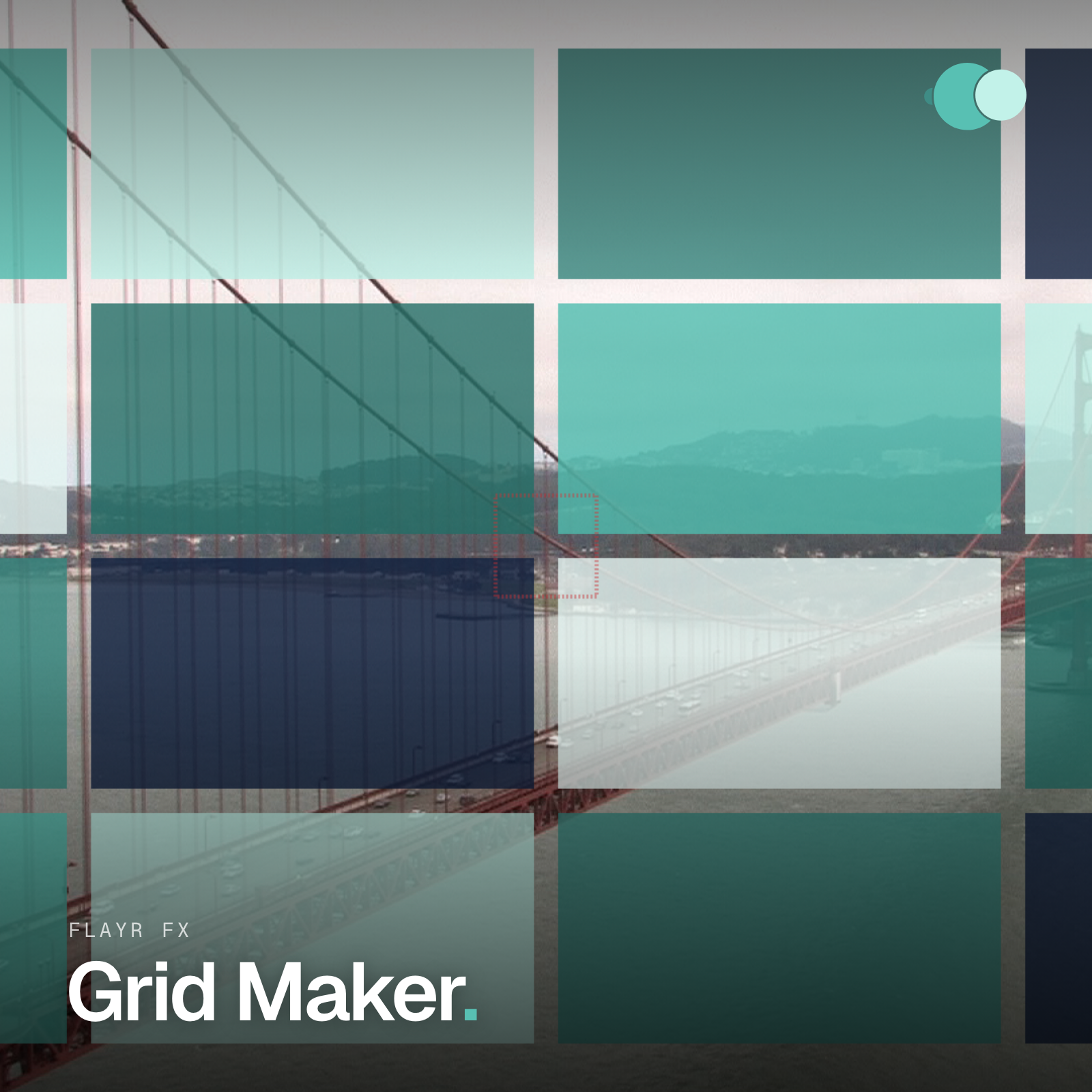
With Project Notes, each new comp gets an “export” to-do linked to it. Run Grid Maker on the whole folder for layout guides in every size.
Works with the other Flayr FX tools
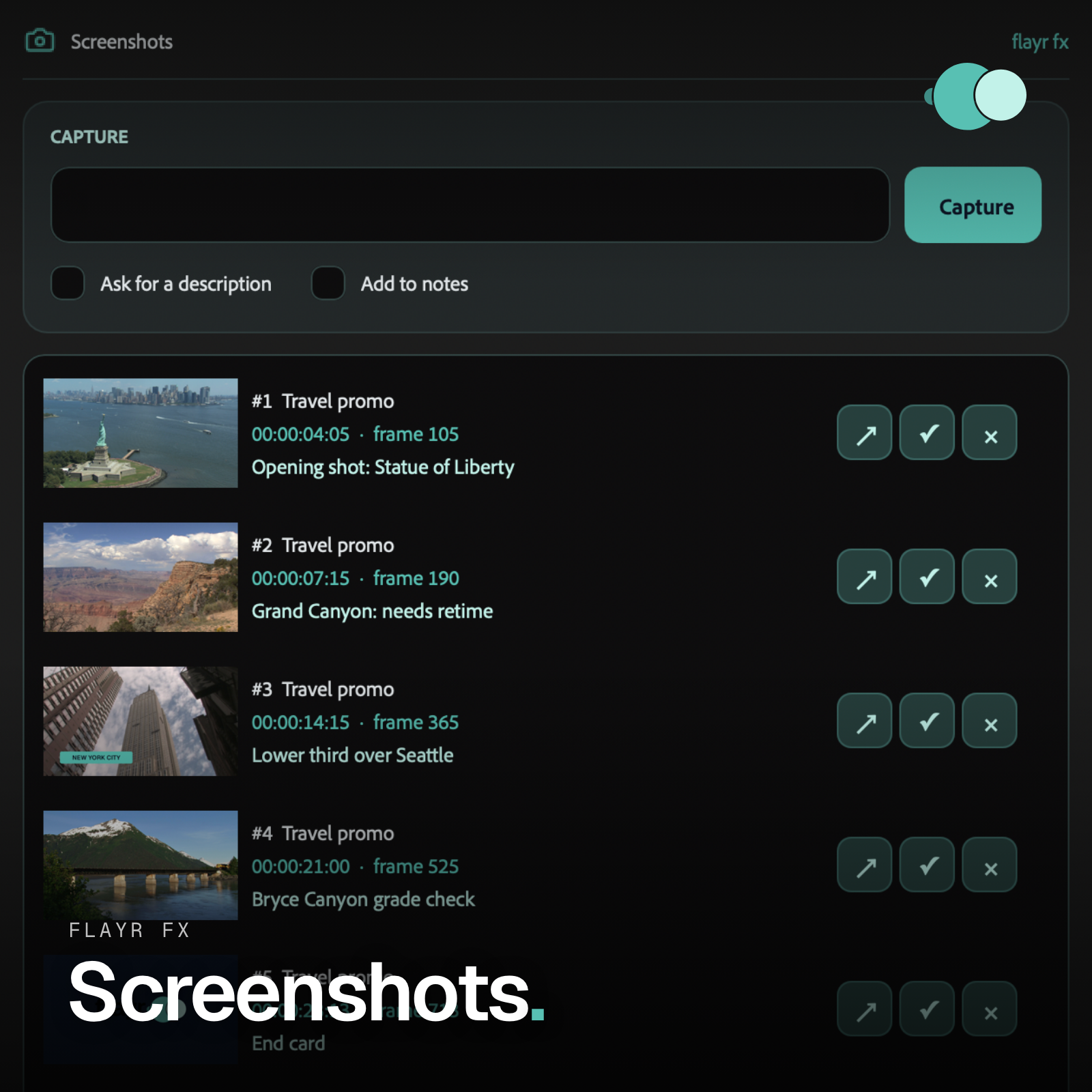
Every Flayr FX tool knows about the others. Own more than one and they connect: screenshots and social comps add to-dos to Project Notes and the organiser writes what it moved into your notes. The free Flayr FX Tools hub (Window › Extensions › Flayr FX Tools) puts the whole range in one After Effects panel, with a tile that opens or runs each tool, World Map, Multiscreen and SFX included.
Installing
Unzip, then in After Effects choose File › Scripts › Run Script File and pick the installer. Restart After Effects and open the tool from the Window menu. Works on Mac and Windows, After Effects 2022 and later.
A closer look
Screenshots of Flayr FX Social Comps at work, taken in the app.